
Reezn TV for PC
Reezn TV can be accessed from a PC or laptop through a modern web browser. This page provides basic information for users who want to use Reezn TV on a Windows computer or other compatible desktop device.
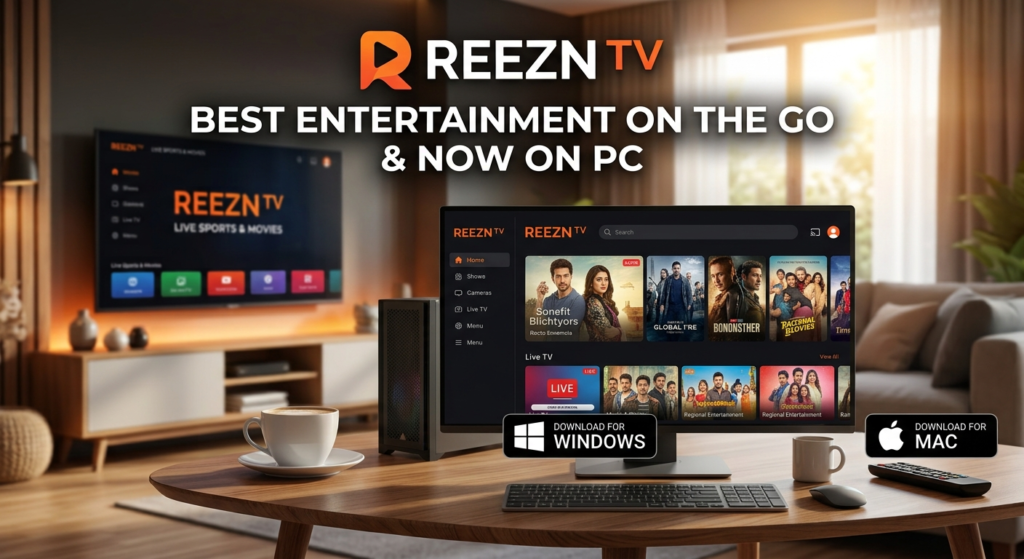
Accessing Reezn TV on PC
To access Reezn TV on your computer, open a supported web browser such as Google Chrome, Microsoft Edge, Mozilla Firefox, or another modern browser. Enter the Reezn TV website address in the browser and open the website. You do not normally need a special program just to browse the Reezn TV website.
Windows PC
Windows users can access Reezn TV from a desktop computer or laptop. For a smoother browsing experience, we recommend keeping your web browser updated and making sure your computer has a working internet connection.
Your experience may depend on:
- Windows version
- Browser version
- Computer performance
- Internet connection
- Available storage
- Third-party application requirements
Watching or Using Streaming Services
If you are using information about a streaming application or service found on Reezn TV, the actual features and playback experience may depend on that particular application or service. Some services may require their own software, supported browser, account, or other requirements.
Always check the requirements of the specific service before using it.
PC Application Information
Reezn TV may publish information about applications that are available for computers or other platforms. Application compatibility can change when developers release new versions. A program that works on one Windows version may not work in exactly the same way on another system. Before installing software, check its system requirements and use a trusted source whenever possible.
Security and Downloads
Users should take care when downloading or installing software from the internet. Before opening a downloaded file, make sure that you trust the source and understand what you are installing. Keep your operating system, browser, and security software updated to help protect your computer. Reezn TV does not guarantee the safety, compatibility, performance, or availability of third-party software.
Internet Requirements
A stable internet connection is important when accessing online streaming services or other web-based platforms. Video quality and loading speed may depend on your internet connection, computer hardware, browser, and the third-party service being used.
Contact Reezn TV
If you have any questions about using Reezn TV on a PC or notice incorrect information on this page, please contact us.
Email: [reezntvcontact@gmail.com]
We try to keep our information simple, useful, and easy to understand for PC users.